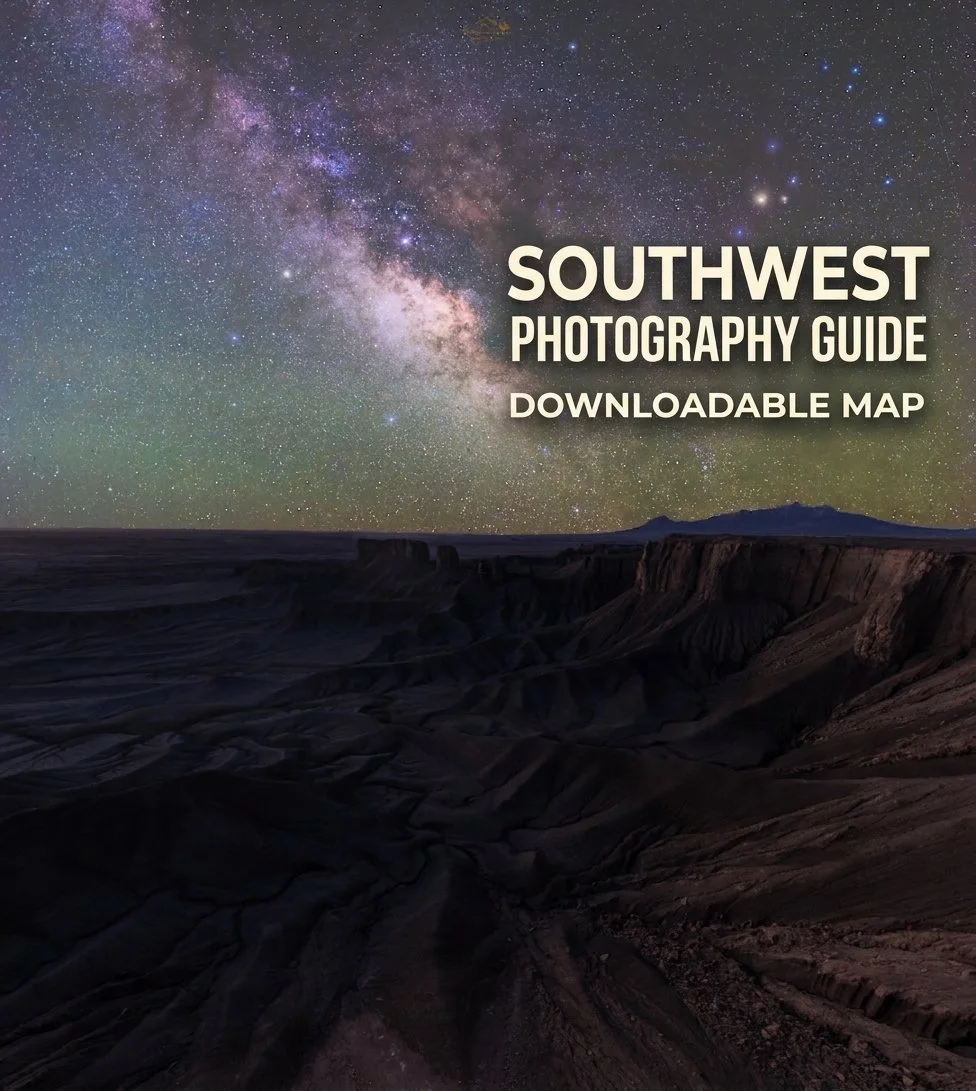
Utah Mighty Five National Parks - Southwest Photography Map Guide

$0.00

Discover the Landscapes Like a Local - With My Curated Southwest Photography Google Map Guide!

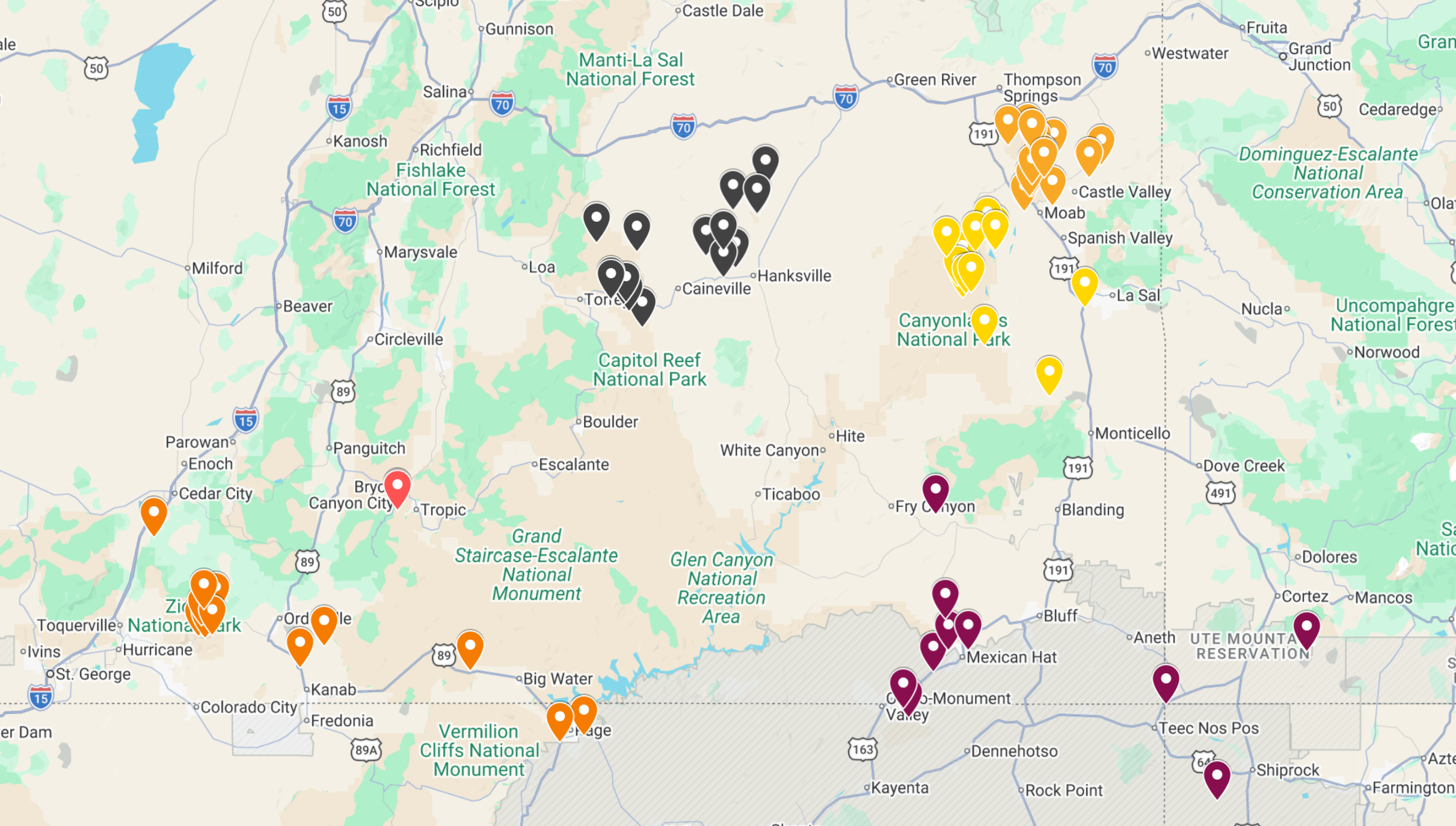
For years, I’ve been building these personal Google Maps to plan my own adventures. Now you can use them too! This guide is packed with carefully researched and personally explored locations from across the Beehive State and beyond. Pins are color-coded by region so you can easily navigate and plan your route.

Perfect for:

  • Travelers who want more than just the “tourist checklist”

  • Photographers looking for inspiring landscapes and unique perspectives

  • Road-trippers who love a well-planned yet flexible journey

Download instantly and start exploring with confidence.

Discover the Landscapes Like a Local - With My Curated Southwest Photography Google Map Guide!

For years, I’ve been building these personal Google Maps to plan my own adventures. Now you can use them too! This guide is packed with carefully researched and personally explored locations from across the Beehive State and beyond. Pins are color-coded by region so you can easily navigate and plan your route.

Perfect for:

  • Travelers who want more than just the “tourist checklist”

  • Photographers looking for inspiring landscapes and unique perspectives

  • Road-trippers who love a well-planned yet flexible journey

Download instantly and start exploring with confidence.

How to Use Your Downloadable Map Guide

  1. Download the KMZ file after purchase and save it to your computer or mobile device.

  2. Open Google My Maps (you’ll need to be signed into your Google account).

  3. Click “Create a new map.”

  4. In the new map window, select “Import” (found in the box labeled Untitled layer).

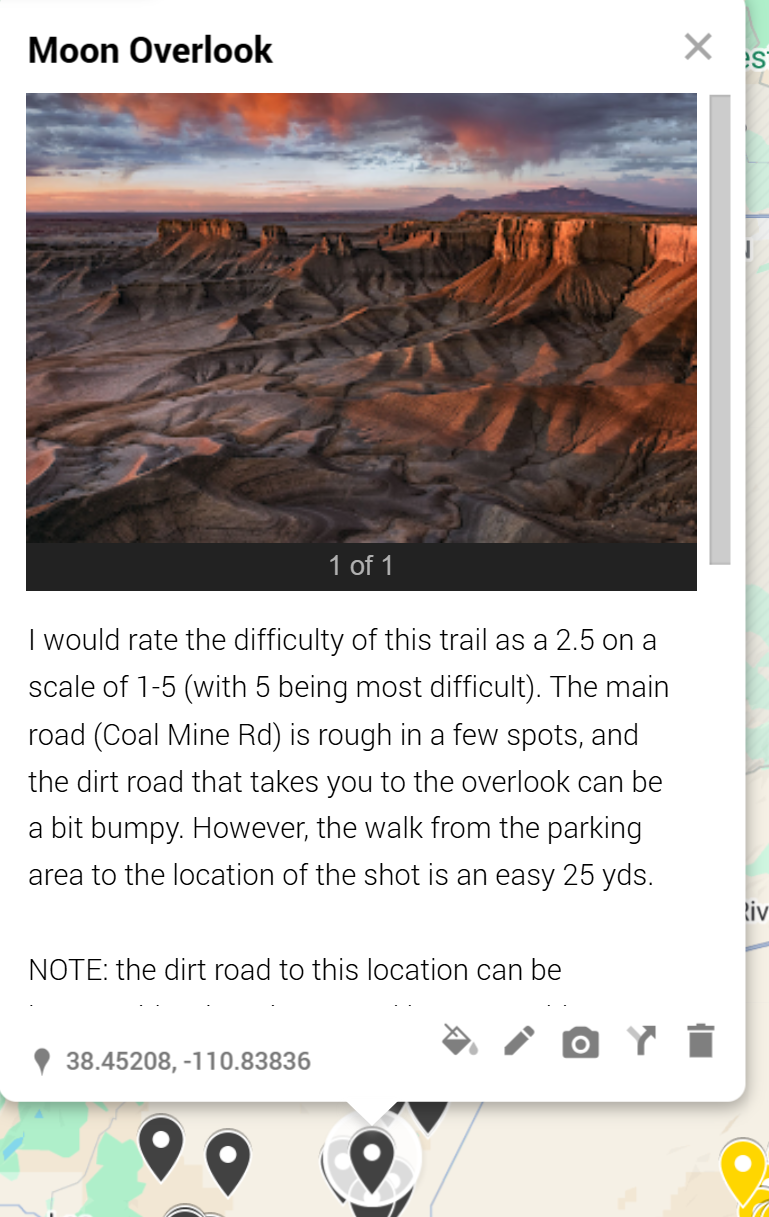
  5. Choose the KMZ file you downloaded, and it will automatically load all the pins, colors, photos, and descriptions into your map.

  6. That’s it! You can now explore, customize, and save the map for your own adventures.

💡 Tip: Once imported, you can access the map anytime from Google My Maps on desktop or the Google Maps mobile app (under Saved → Maps).

⚠️ Trouble opening the file?
If you’re unable to upload the KMZ, just reach out to me - I’ll be happy to send you a direct access link to the map so you don’t miss out.